Omega Player
Language: English
Google Play

Music player for Android

Your music is already on your phone.

Omega Player is the player it deserves.

Get it free on Google Play

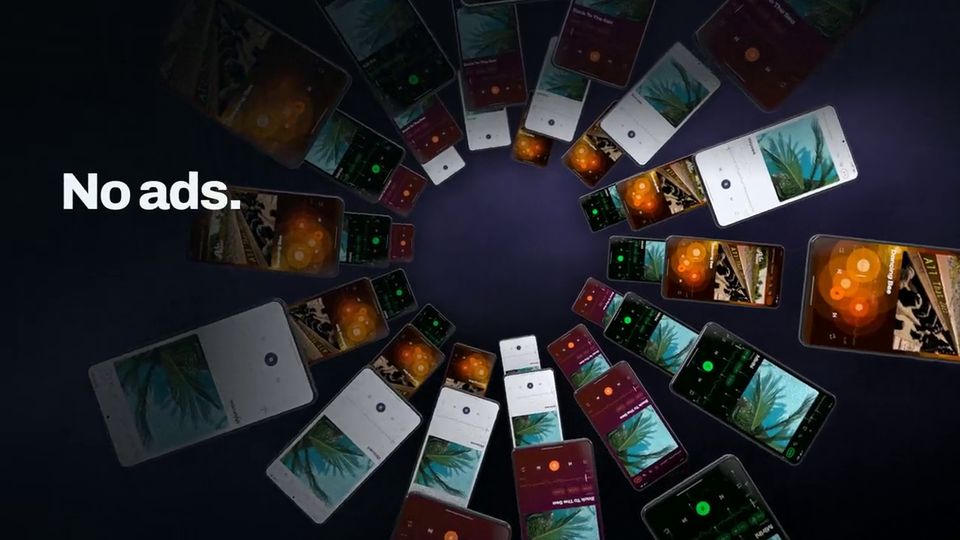
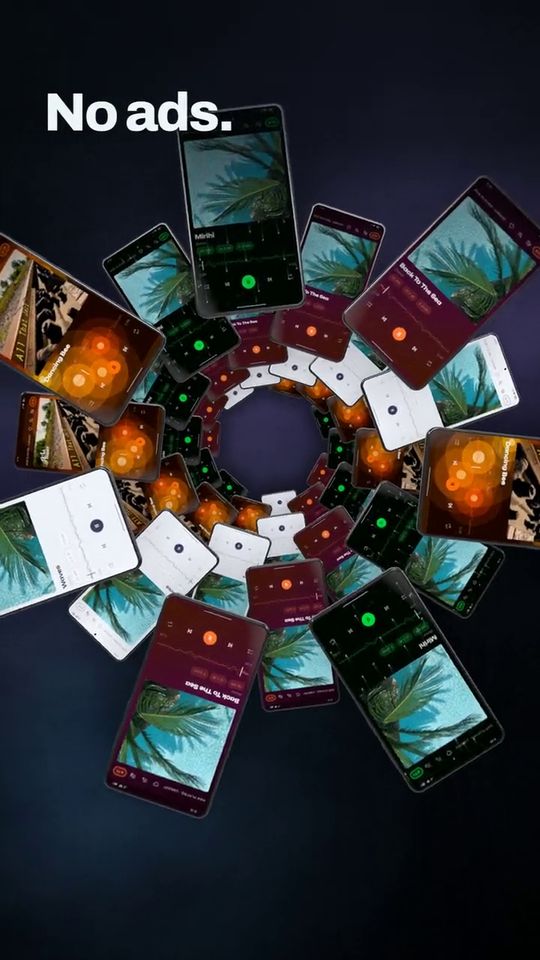
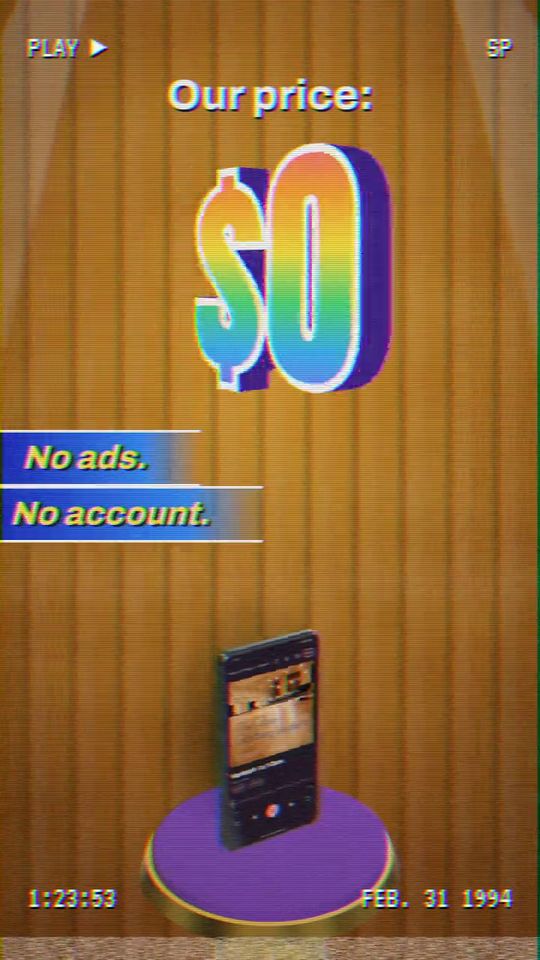
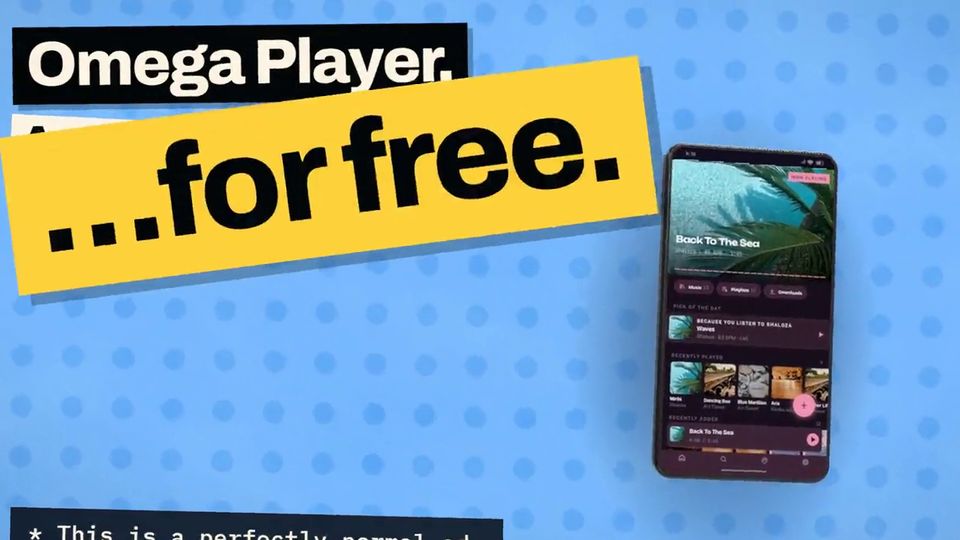
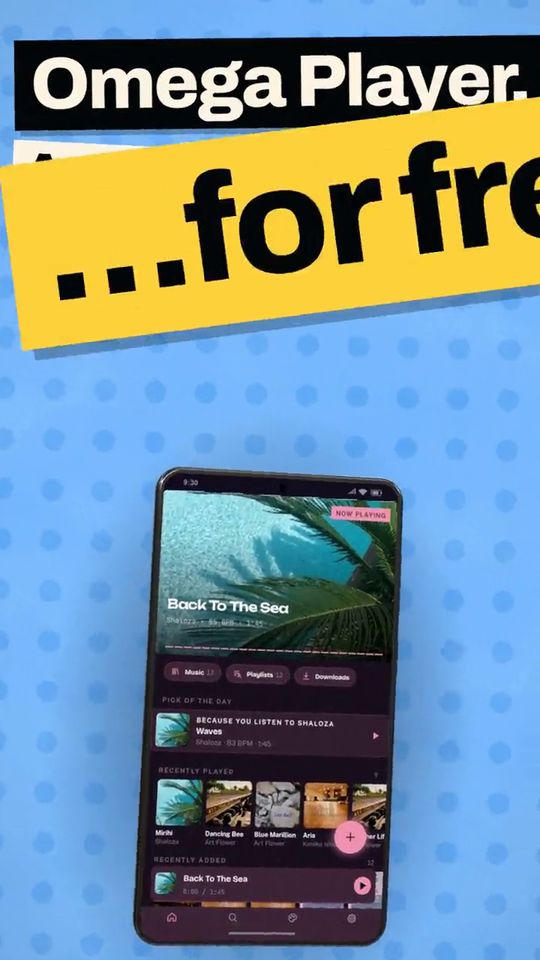
Free · No ads · No account

  • No account
  • No ads
  • No subscription
  • Offline
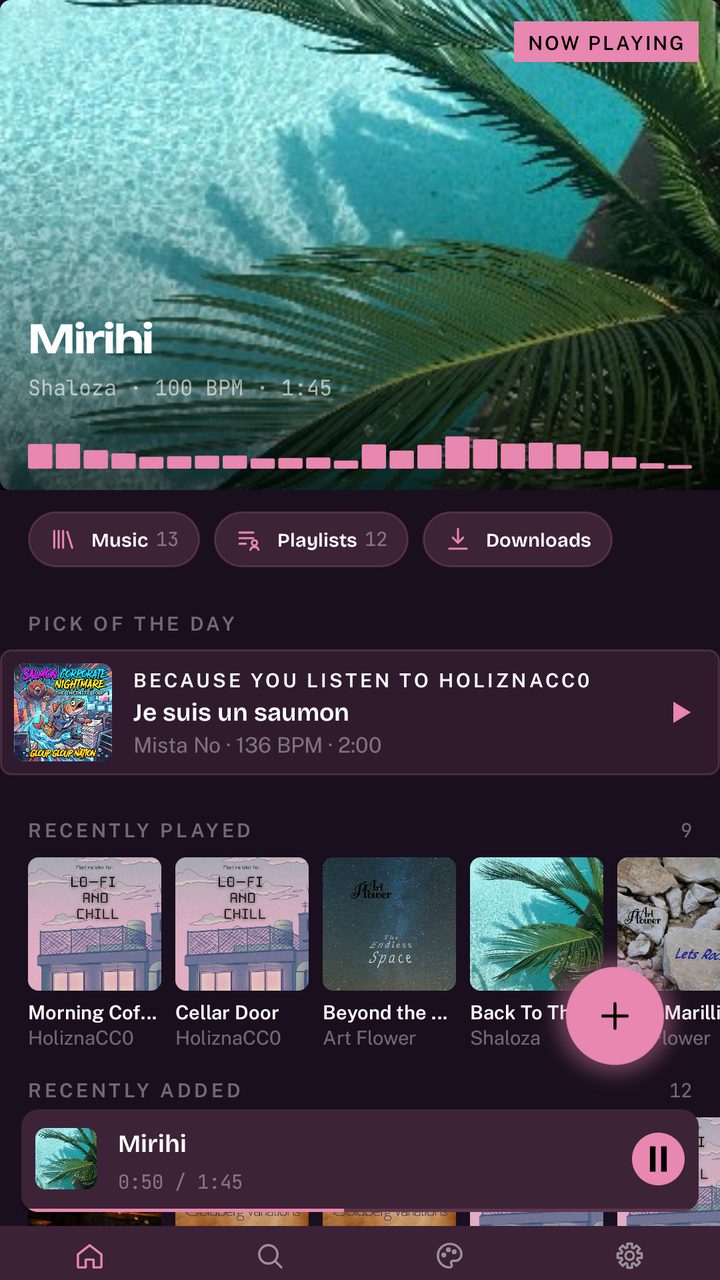
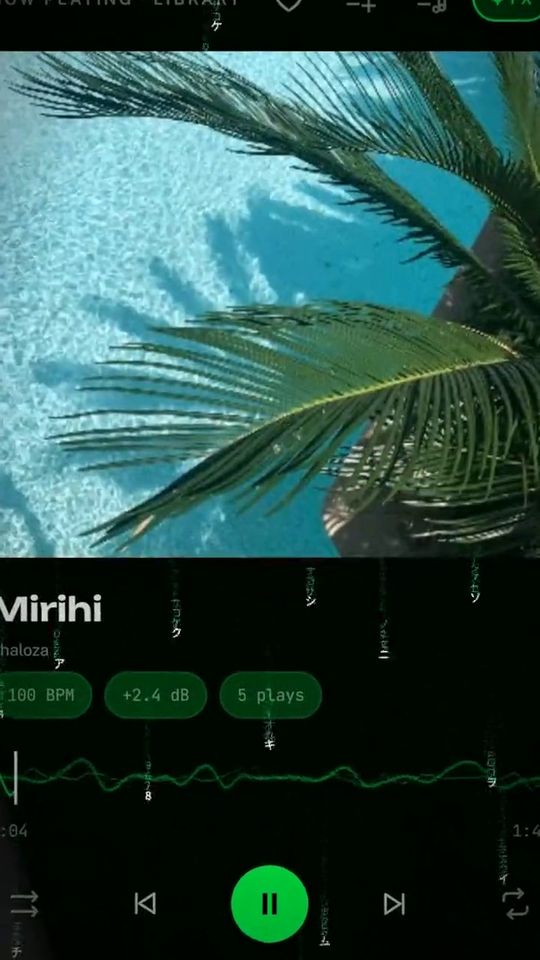
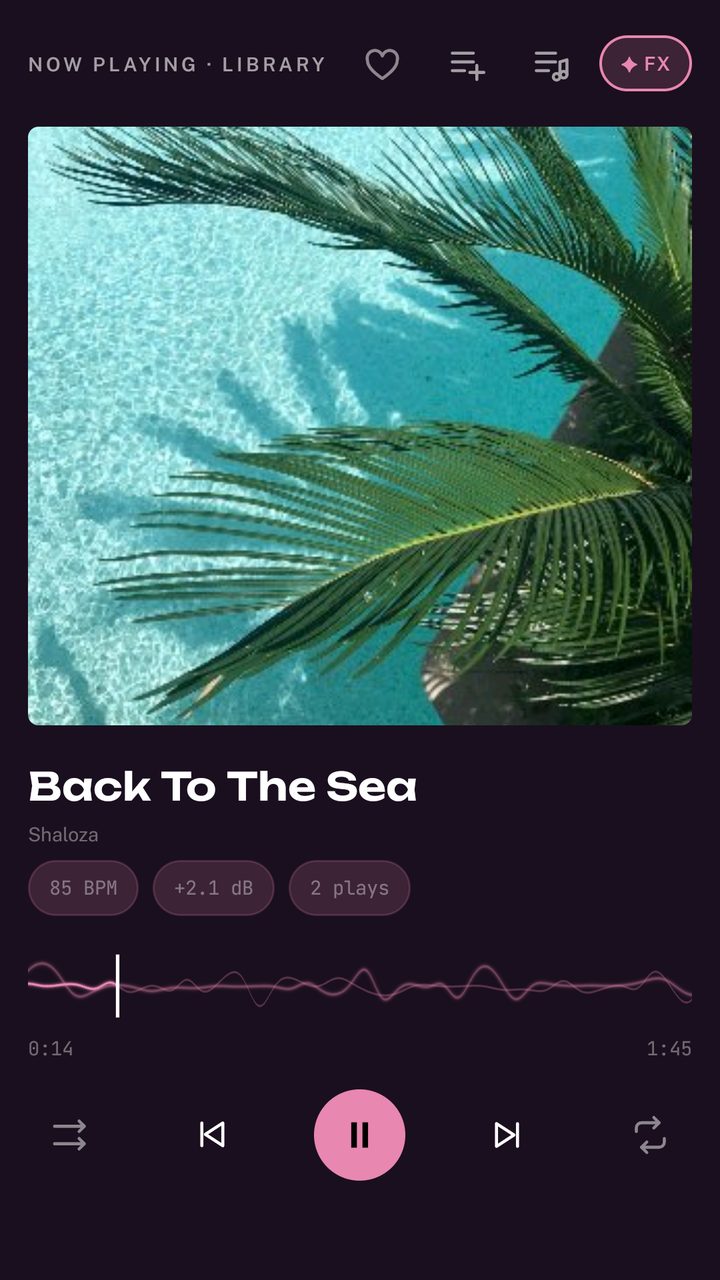
Player screen: artwork, waveform seek bar and playback controls
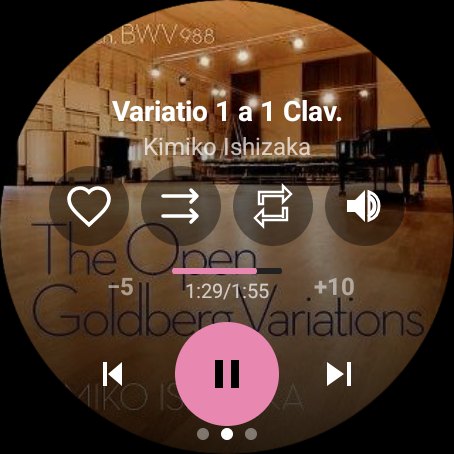
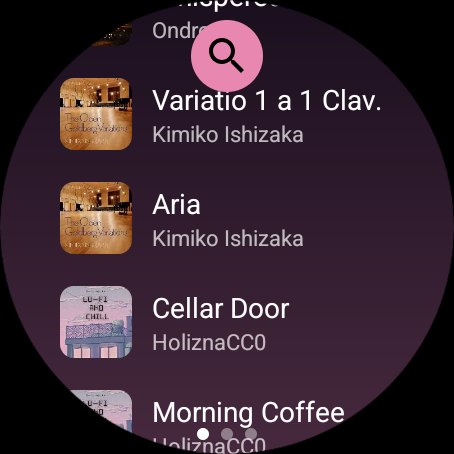
Wear OS watch showing the player
Scroll

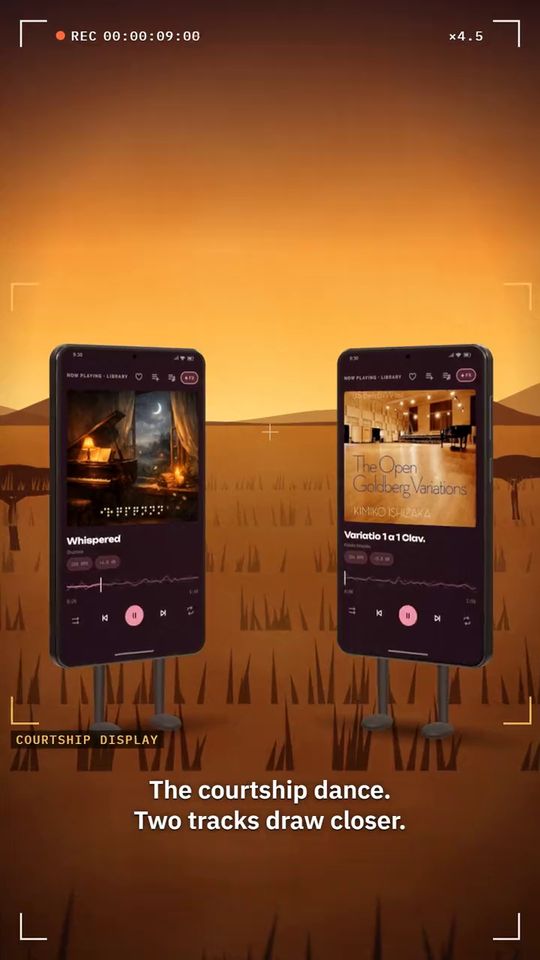
See it move

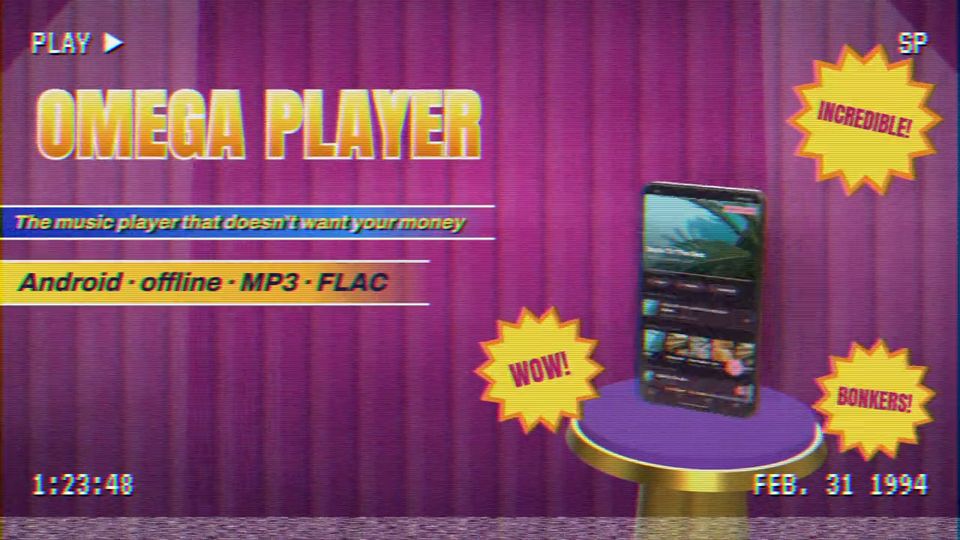
The trailer

Nothing loads or plays until you press it. The videos have music.

Other cuts

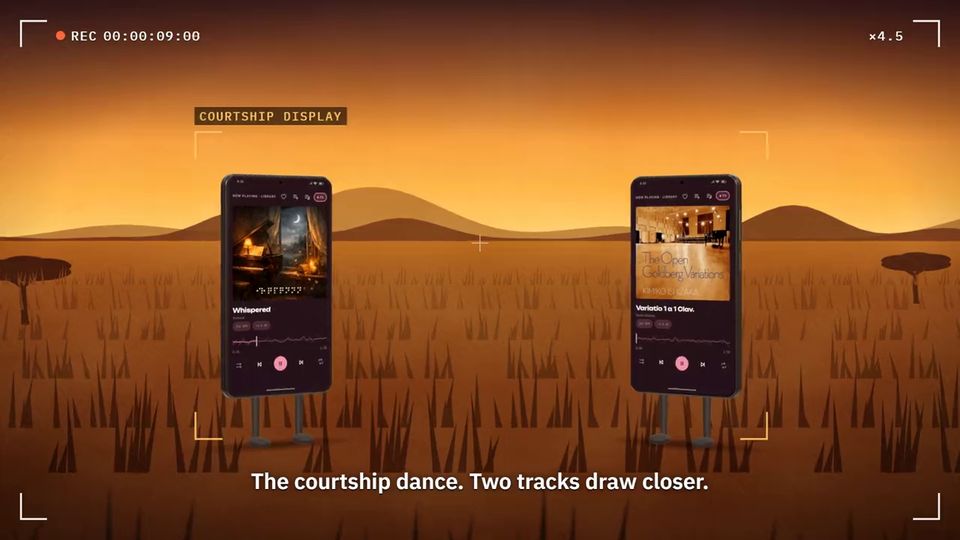
Some well-behaved, some completely unhinged. Same app, same price: zero.

A complete offline audio player, built to make the most of the library you already own. No account to create, no ads, no subscription. Your MP3, FLAC, OGG and M4A files are picked up on their own, and your music follows you anywhere, even in airplane mode.

Inside the player

Features

Music that never stops

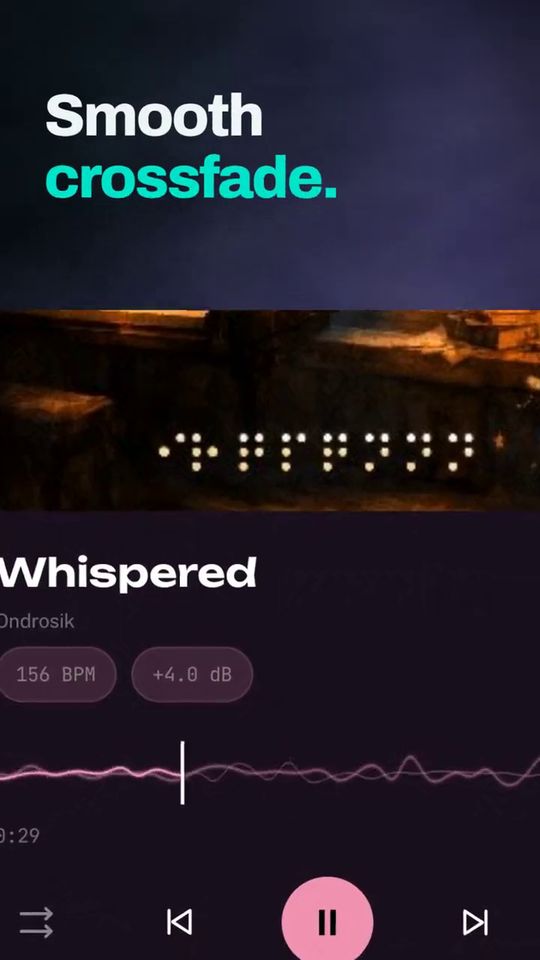
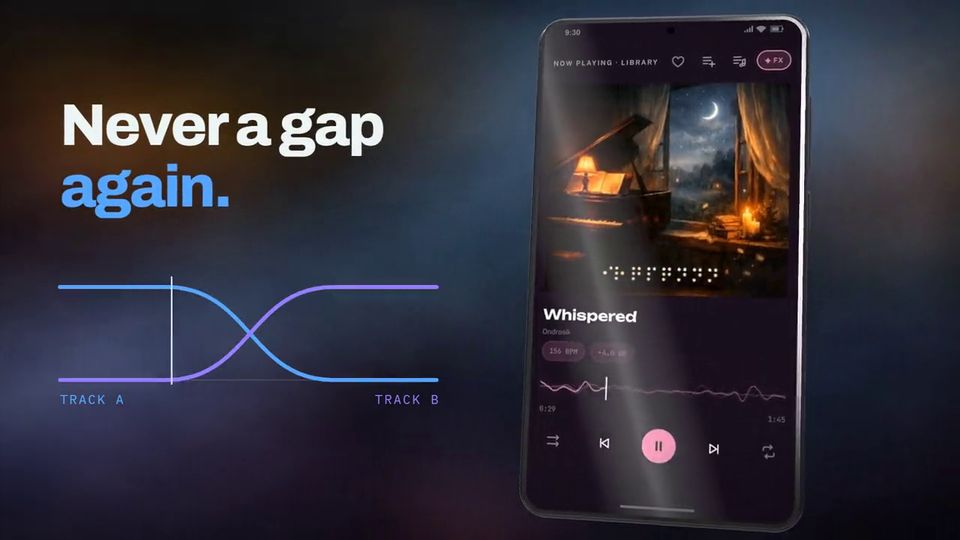
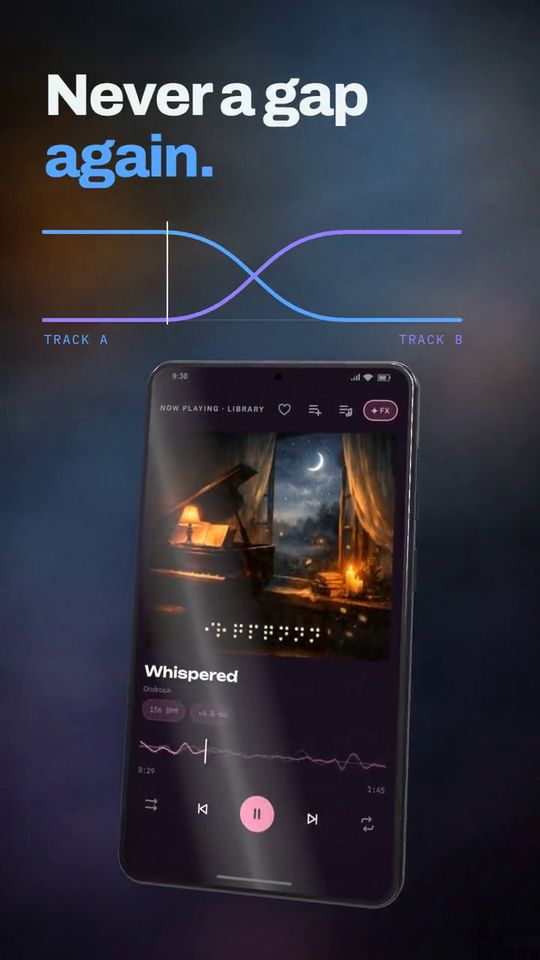
Crossfade: the next track starts while the last one fades out. Silence at the start and end of a file is skipped automatically. Levelled volume: every track is analysed once so it plays at the same perceived loudness as the rest.

Player screen: artwork, waveform seek bar and playback controls

Shape your sound

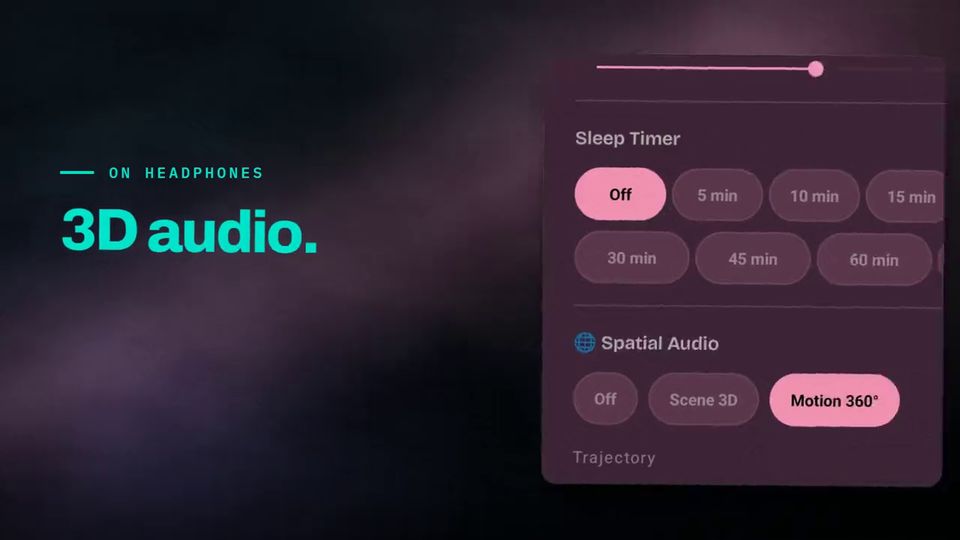
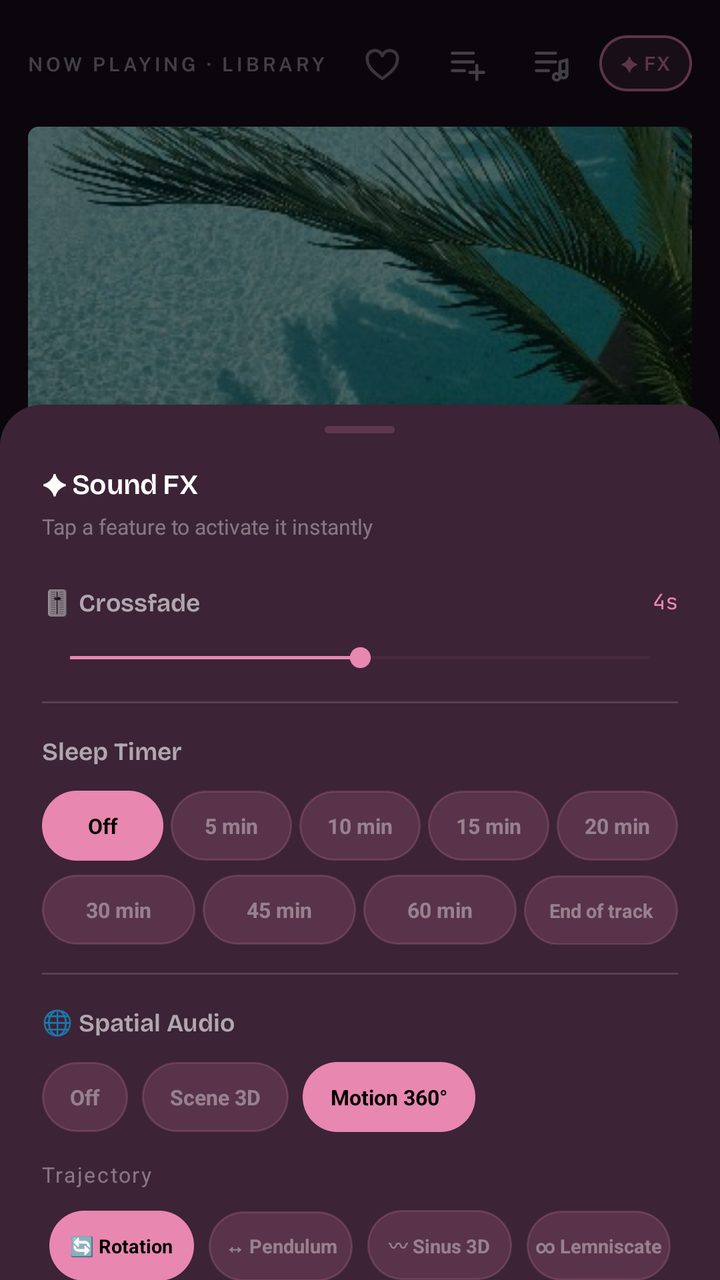
10-band equalizer: adjust the response curve with a single gesture. 3D spatial audio: an immersive render for headphones that places the sound stage around you.

Sound effects panel: crossfade, sleep timer and spatial audio

Smart transitions

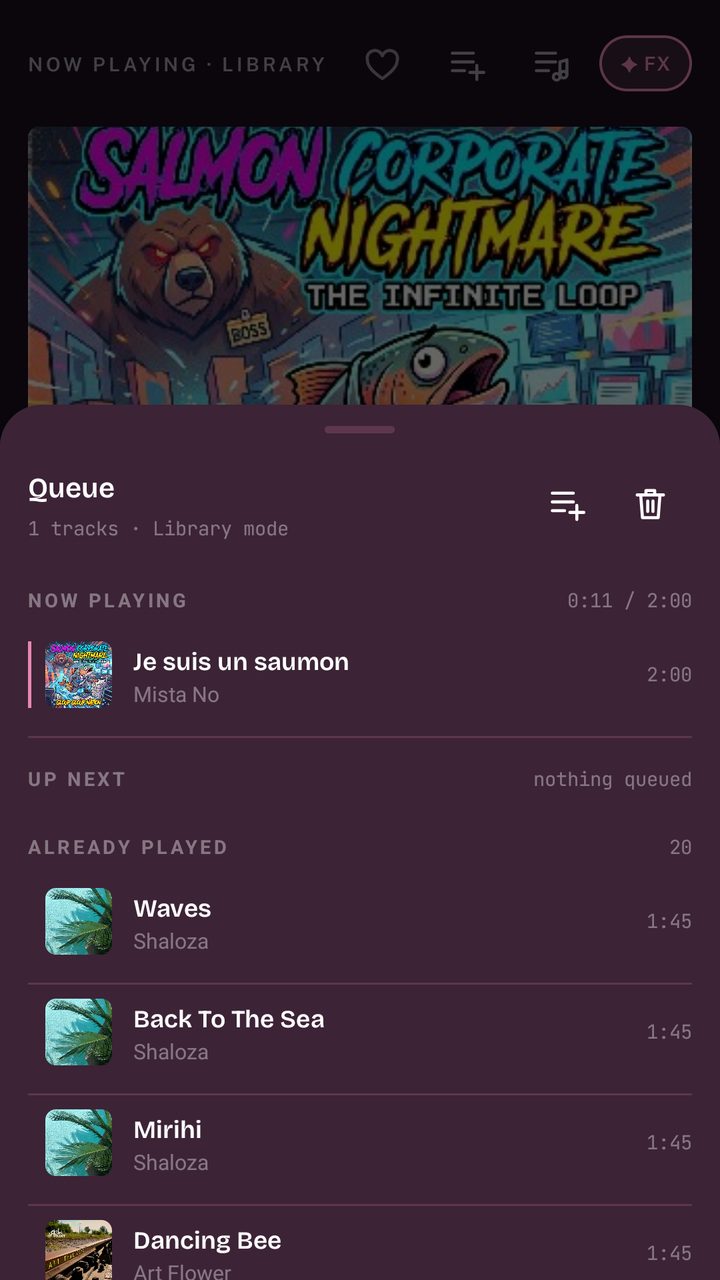
Omega Player measures the tempo and the tone of your tracks to line up a queue that holds together instead of killing the mood. You keep full control to reorder it at any time.

Queue screen: now playing, coming up and already played

A library that keeps itself tidy

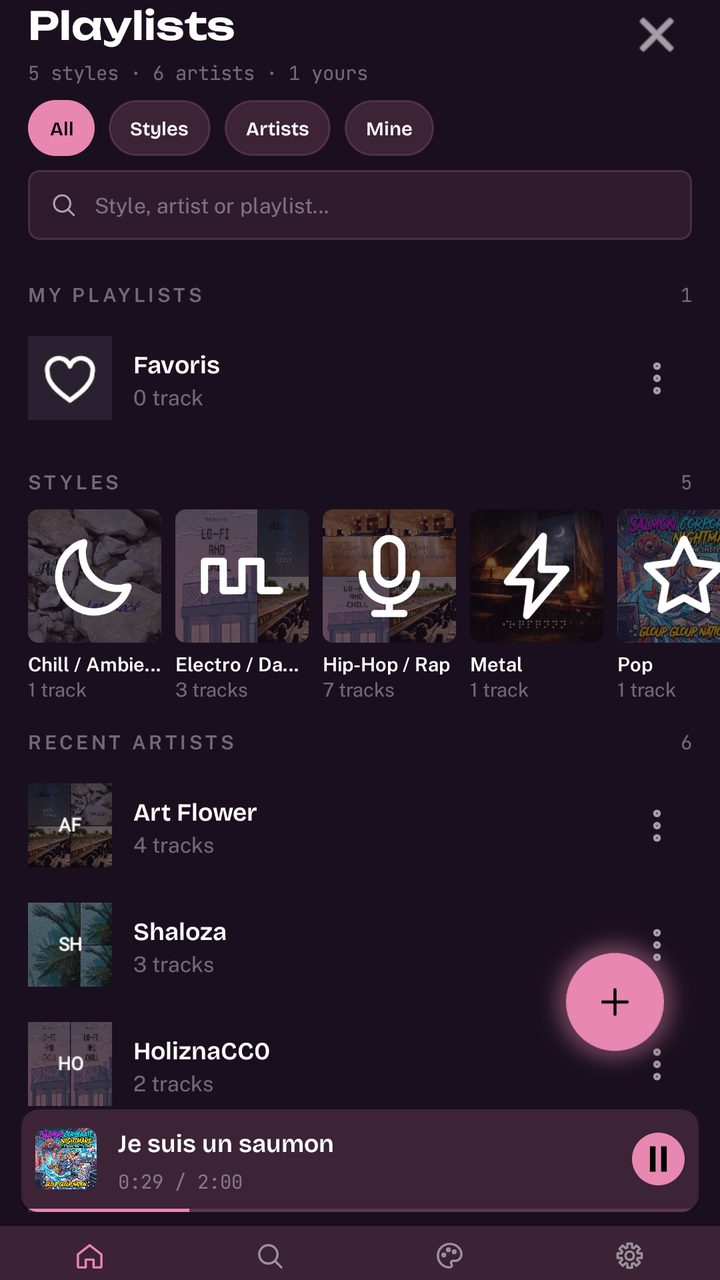
Automatic playlists: dynamic sorting by genre, with no effort from you. Sort your way: by recently added, recently played, length, title or tempo.

Playlists screen with automatic playlists by style and artist

Make it yours

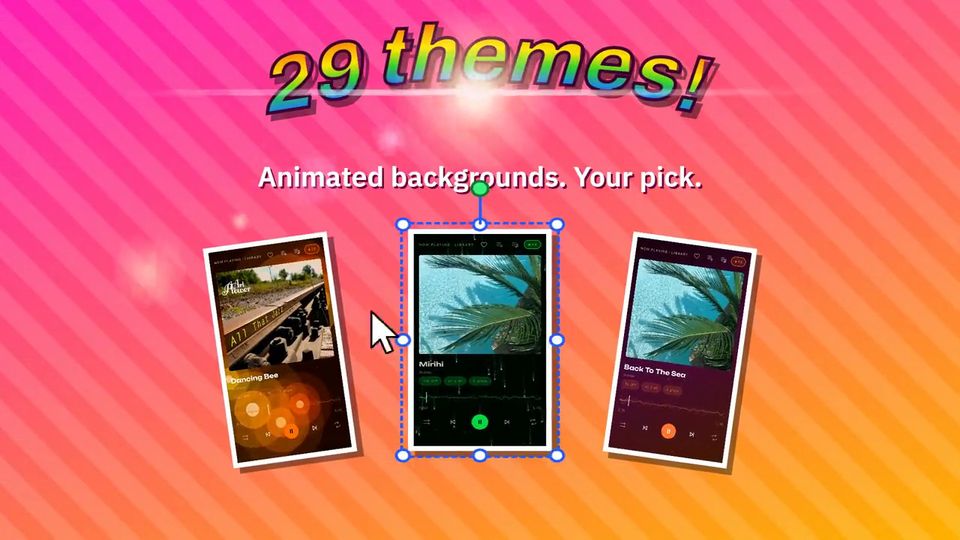
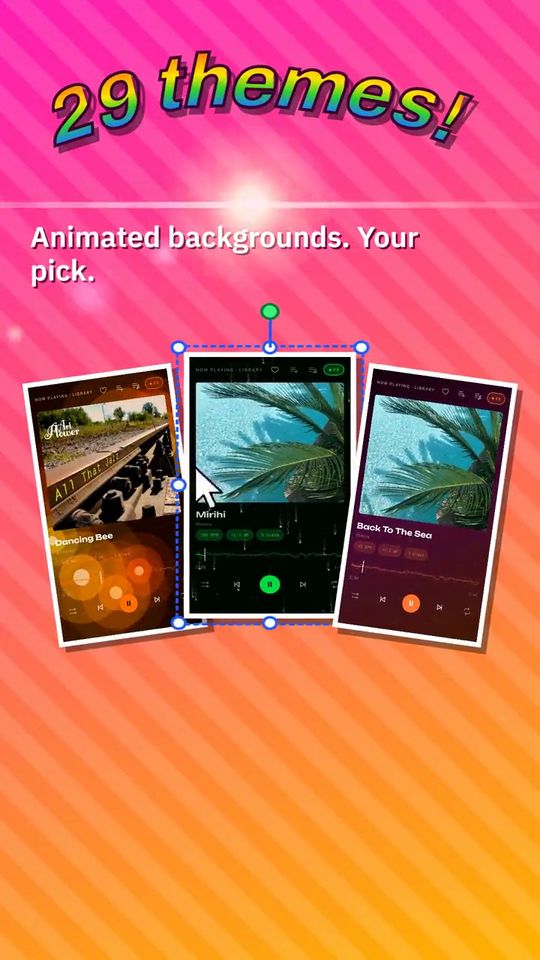
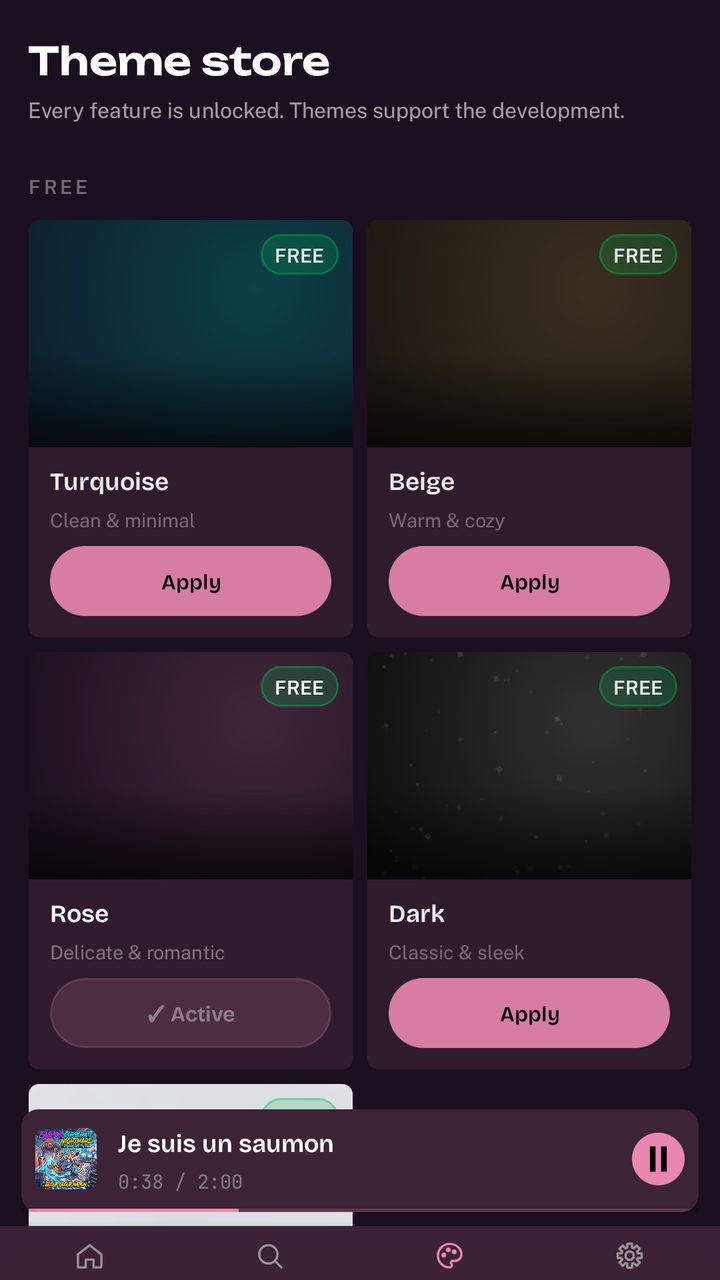
29 visual moods, between animated backgrounds and foreground effects.

Theme store showing visual moods

Wherever your day takes you

Android Auto

Your whole library on the car screen.

Wear OS watch showing the player
Wear OS watch showing the library

Wear OS

Drive playback from your watch. The watch app pairs with your phone over Bluetooth.

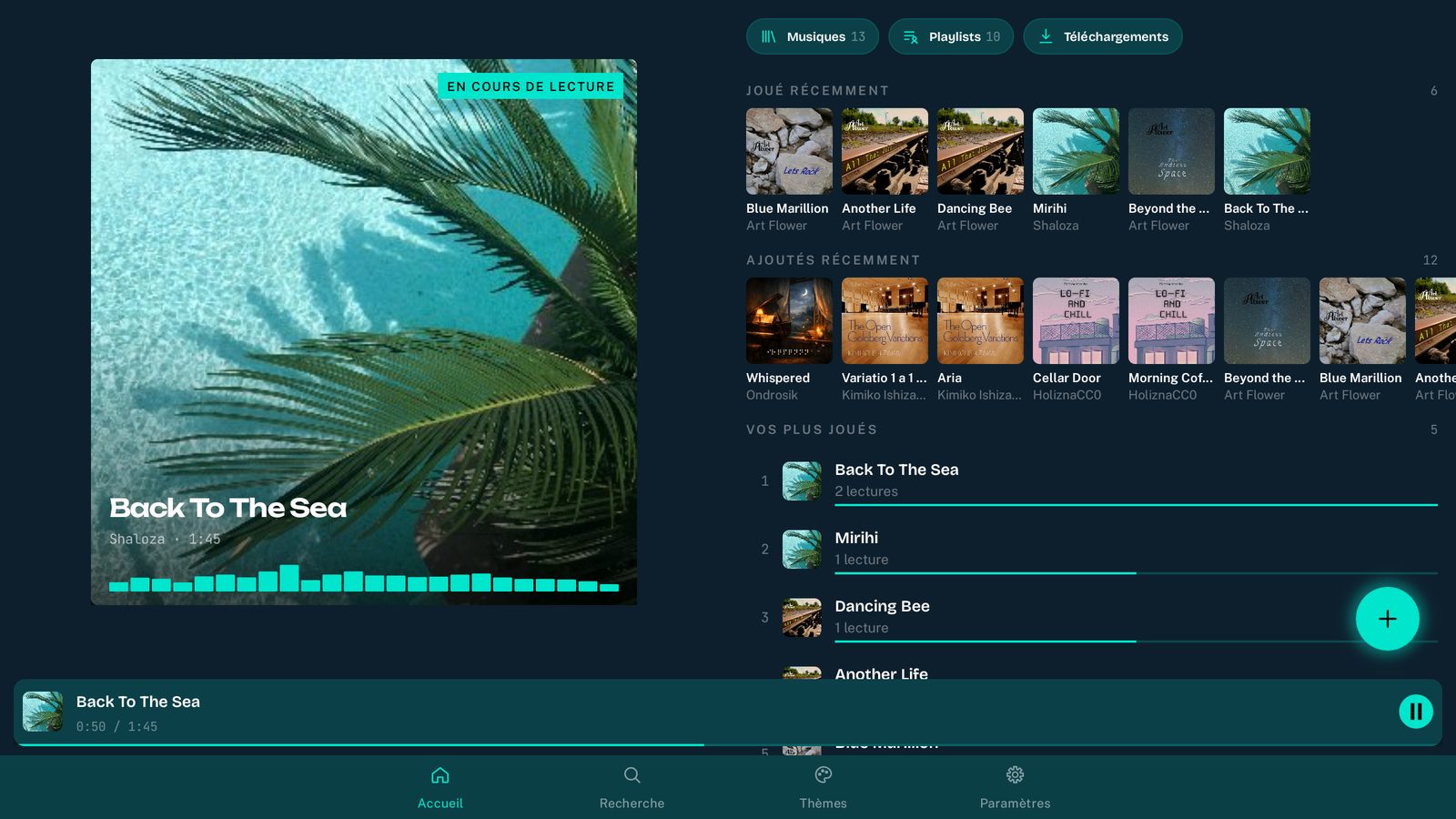
Tablet layout in landscape

Built for every screen

A dedicated tablet layout in landscape, a home screen widget and lock screen controls.

Sleep timer

Set the music to fade out and stop for the night.

Privacy: nothing leaves your phone

Zero tracking: no profile, no usage statistics, no identifier collected.

No server: the app contains no remote server address at all and works entirely without a network. Crash reports stay on your device.

You stay in charge of the source

Omega Player has no catalogue and wants none: it plays your files, full stop. Nothing is installed for you, nothing runs behind your back, nothing nudges you towards a service.

And if you do want to plug an online source into it, you pick the extension, you install it, and it answers to you alone.

Read the extension SDK

What's new

Version 1.0

  • First release on Google Play.
  • Crossfade, levelled volume and a queue that follows tempo and tone.
  • 10-band equalizer and 3D spatial audio for headphones.
  • Android Auto, Wear OS watch app, tablet layout and home screen widget.
  • All 27 visual moods included, free.

A pricing model you can read in one line

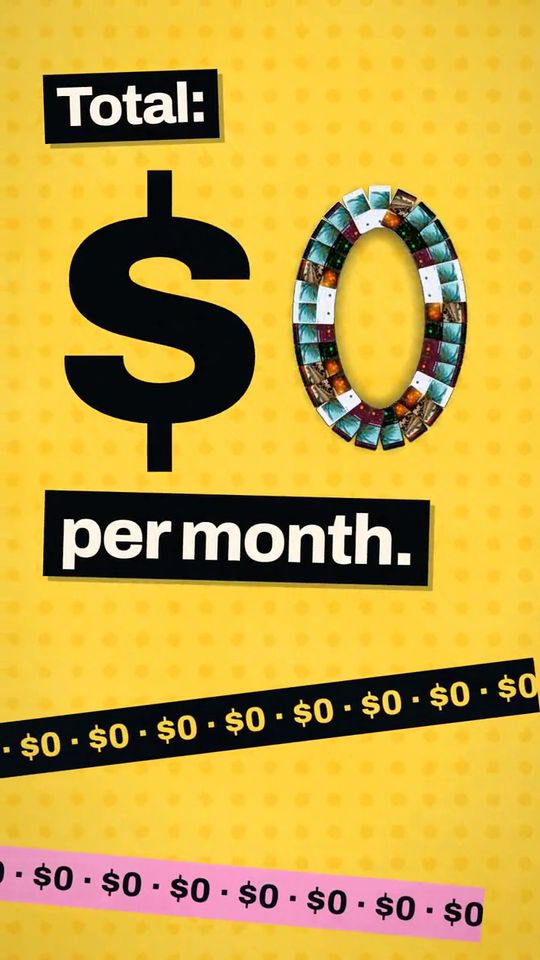
The app is 100% free and already includes all 29 visual moods — kept for life by early adopters.

The entire playback engine (spatial audio, equalizer, playlists, queue, Android Auto, Wear OS) will stay free, with no restriction. Only five exclusive visual moods, offered later on, will ever be a paid option.

Omega Player icon

Press play.

Your music is already on your phone.

Get it free on Google Play

Free · No ads · No account